Let’s be honest: your smartphone is probably grosser than your kitchen floor. We spend our days swiping, clicking, and typing, all while snacking on chips or forgetting that we just touched a subway pole. If you were to look at your keyboard under a microscope, you’d probably find a microscopic civilization living off three-week-old bagel crumbs and latte splashes.
At The Cleaning Ninjas Inc, we spend a lot of time making floors shine and kitchens sparkle, but we know that a truly clean home or office includes the stuff you touch the most: your tech. Whether you're a remote worker or a dedicated gamer, your screens and keyboards are magnets for oils, dust, and bacteria. However, you can't just go at a MacBook with a bucket of soapy water and a scouring pad. Tech is delicate, expensive, and surprisingly easy to break if you use the wrong "ninja" moves.
In this guide, we’re going to show you the safe, professional way to sanitize your electronics without causing a short circuit or stripping the coating off your expensive Retina display.
The "Don'ts" of Tech Sanitation (The Wall of Shame)
Before we get into the "how-to," let’s talk about the "please, for the love of Steve Jobs, don't." We’ve seen some things. We’ve seen people spray glass cleaner directly onto a monitor. We’ve seen people use paper towels that scratch screens faster than a kitten on a sofa.
- Stop Using Windex: Most modern screens have "oleophobic" (oil-repelling) or anti-glare coatings. Glass cleaners contain ammonia or vinegar that eat through these coatings like a ninja through a paper wall.
- Ditch the Paper Towels: They feel soft to you, but on a microscopic level, wood-pulp-based paper towels are abrasive. They leave tiny scratches that dull your screen over time.
- No Direct Spraying: Never, ever spray a liquid directly onto your device. Gravity is not your friend here; the liquid will seep into the edges, find its way to the motherboard, and turn your expensive laptop into a very sleek paperweight.
- Avoid Heavy Pressure: Screens aren’t workout mats. If a smudge isn't coming off, don't push harder. You could crack the LCD pixels underneath.
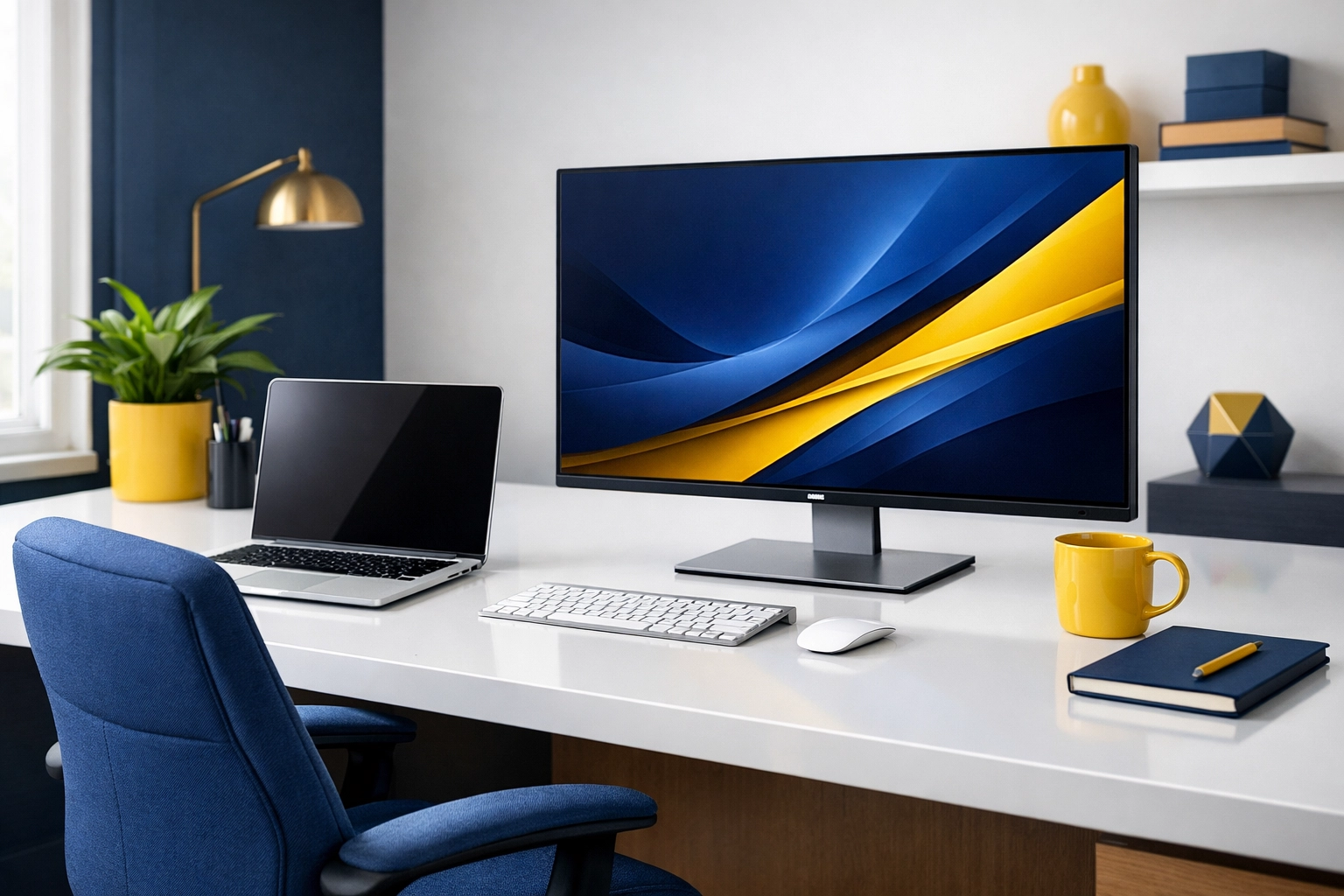
The Ninja Toolkit: What You Actually Need
To clean your tech like a pro, you only need a few specific items. Most of these you probably already have in your junk drawer or can find at any local store in Massachusetts.
- Microfiber Cloths: These are the holy grail. They trap dust and oil rather than just moving it around.
- 70% (or higher) Isopropyl Alcohol: This is the industry standard. It kills germs and evaporates almost instantly. Note: 90% is even better for internal parts because it contains less water.
- Compressed Air: For when your keyboard looks like a desert landscape of dust bunnies.
- Cotton Swabs (Q-tips): Perfect for the nooks and crannies.
- Distilled Water: If you just have light dust, a damp cloth with distilled water is safer than tap water (which has minerals that can leave streaks).
If you’re looking for more general home maintenance advice, feel free to check out our other Cleaning Tips.
Phase 1: The Great Screen De-Gunking
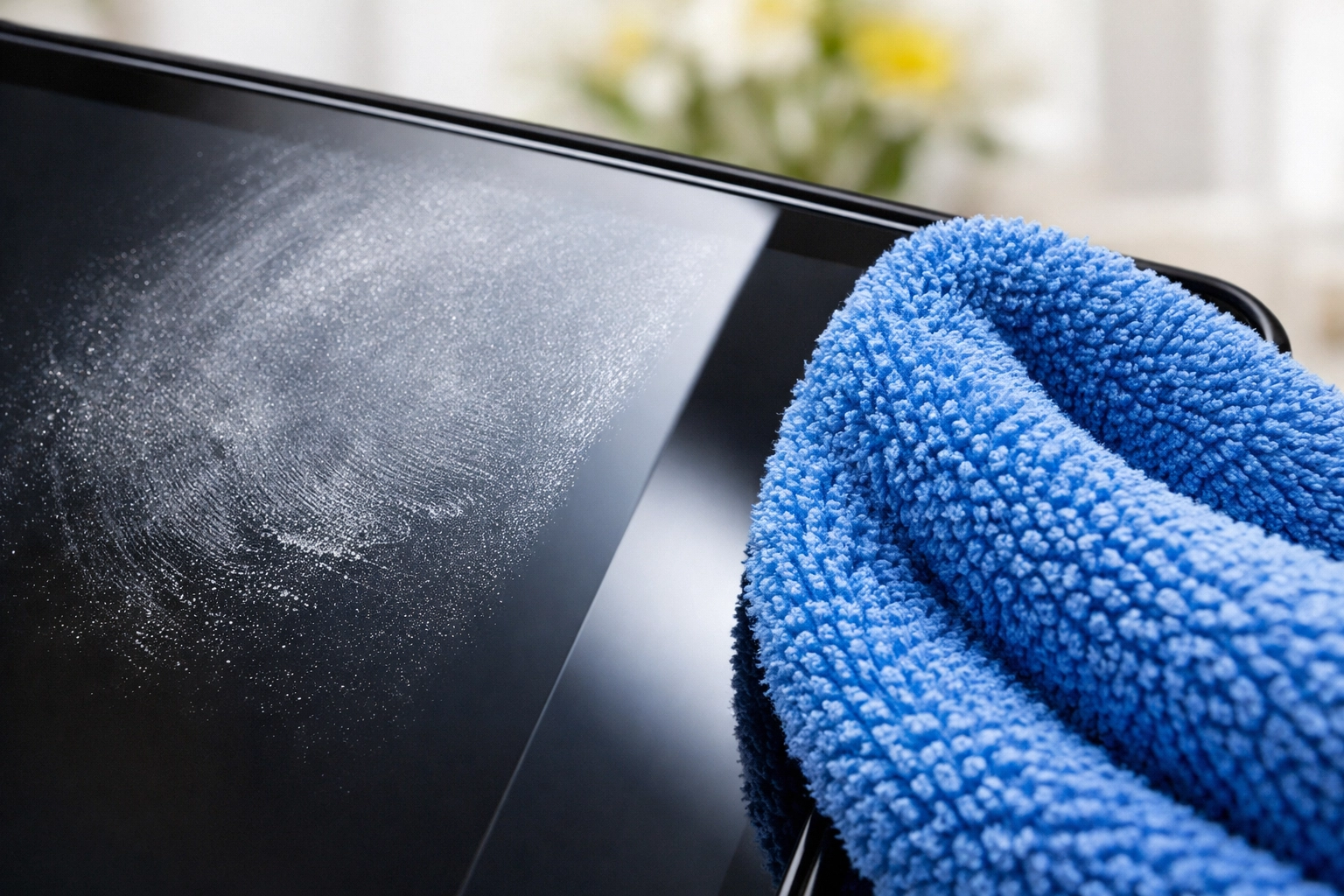
Whether it’s your TV, your laptop, or your tablet, the screen is the most sensitive part of the operation.
Step 1: Power Down.
Always turn off the device and unplug it. A dark screen makes it much easier to see where the smudges are, and it prevents you from accidentally "butt-dialing" your boss while you’re wiping down your iPhone.
Step 2: The Dry Wipe.
Start with a dry microfiber cloth. Fold it into a square and use light, circular motions. For most dust and light fingerprints, this is all you need.
Step 3: The Damp Ninja Move.
If you have stubborn spots (looking at you, dried sneeze droplets), lightly dampen a corner of the cloth with a 50/50 mix of distilled water and isopropyl alcohol. Remember: dampen the cloth, not the screen. Wipe gently, then follow up with the dry part of the cloth to prevent any streaks.
Step 4: Edge Patrol.
Use a dry cotton swab to gently go around the bezel where the screen meets the frame. Dust loves to hide there.
Phase 2: Keyboard Forensics (Crumb Removal)
Your keyboard is likely the dirtiest thing you own. It’s been estimated that keyboards can hold 400 times more bacteria than a toilet seat. Delicious, right?
The "Shake and Wake":
If you’re using a laptop, be gentle. If it’s a desktop keyboard, unplug it, flip it upside down over a trash can, and give it some firm taps on the back. You will be horrified by what falls out, staples, crumbs, hair, and things you don't even recognize.
The Air Blast:
Use a can of compressed air with the straw attachment. Hold the keyboard at a 75-degree angle and spray in a zigzag motion across the keys. This dislodges the "deep" dust that the shake didn't get.
The Detail Work:
Dip a cotton swab in isopropyl alcohol. It should be damp, not dripping. Run the swab along the sides of every key and across the tops. The alcohol will cut through the finger oils and sanitize the surface. Because it's alcohol, it will evaporate within seconds, leaving no residue behind.
If your office is starting to feel like a biohazard zone, you might want to look into our Commercial Cleaning Services to get the whole place back to fighting shape.
Phase 3: The Mouse and Trackpad
The mouse is the unsung hero of your digital life, and it’s usually covered in a fine layer of… well, "hand gunk."
For a mouse, use a cloth dampened with alcohol to wipe the entire surface. If it’s an old-school mouse with a scroll wheel, use a toothpick or a dry toothbrush to flick out any lint stuck in the wheel. For trackpads, follow the same rules as screens: microfiber and a tiny bit of alcohol.
Why Clean Tech Matters for Your Health
We often talk about "Green Cleaning" and keeping a healthy home environment. Tech sanitation is a huge part of that. Think about how many times you touch your phone and then touch your face, or eat a sandwich while scrolling through Instagram. By keeping your tech sanitized, you’re reducing the spread of seasonal colds and flu.
It’s also about the longevity of your gear. Dust is the silent killer of electronics. It clogs fans, causes overheating, and can eventually lead to hardware failure. A clean keyboard doesn't just look better; the keys won't stick, and the internal components will stay cooler.
Pro Tip: The "Ninja" Schedule
You don't need to do a deep clean every single day, but a little maintenance goes a long way.
- Daily: Give your phone a quick wipe with a dry microfiber cloth before bed.
- Weekly: Use a 70% alcohol wipe or dampened cloth on your mouse and keyboard.
- Monthly: Do the "Shake and Wake" and compressed air routine for your keyboard and clean your monitor/laptop screen.
Summary: Keeping It Fresh
Tech sanitation doesn't have to be a chore. Once you have your microfiber cloth and alcohol handy, it takes less than five minutes to transform your workstation from a greasy mess into a pristine productivity hub.
At The Cleaning Ninjas Inc, we believe that a clean environment leads to a clear mind: and that includes your digital environment. If you’re feeling overwhelmed by the state of your home or office, don’t worry. You can always learn more About Us and see how our team of experts can swoop in and handle the heavy lifting for you.
For more hacks on keeping your life orderly, dive into our blog for everything from eco-friendly DIY recipes to deep-cleaning strategies.
Now, go forth and clean those screens: just remember: no Windex! Your MacBook will thank you. 🥷✨